One operational loop
From movement data to better decisions and faster execution
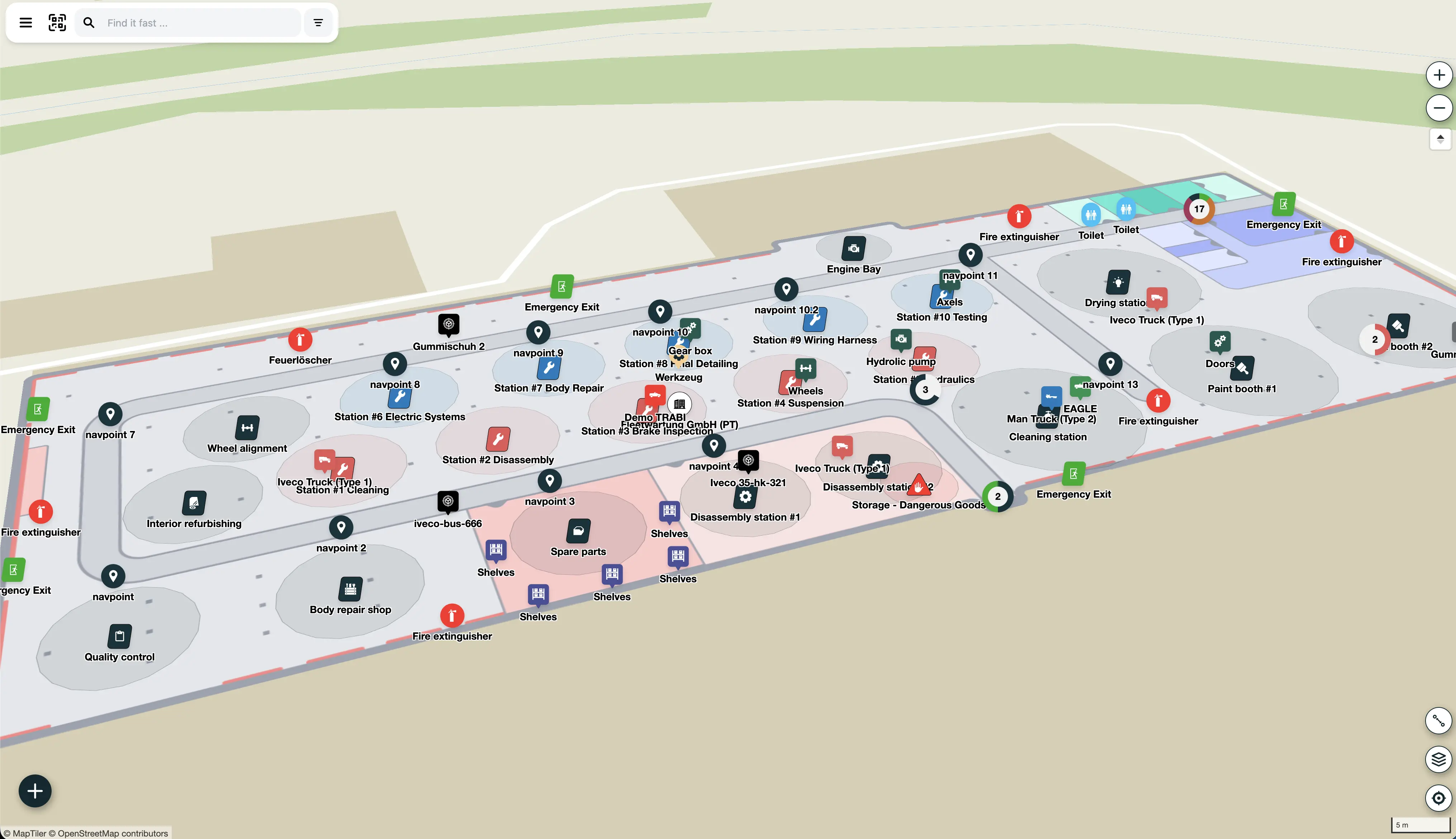
Track → Trace → Trigger is how FORMATION turns location data into business value.
Track gives live visibility. Trace creates a reliable history. Trigger turns events into action across teams and systems. Together, they reduce delays, improve throughput, and keep operations aligned with reality.
- Track assets, people, and material across facilities.
- Trace movement history for audits and process improvement.
- Trigger tasks, alerts, and system updates automatically.
Track
Passive, active, and Hybrid Tracking in one system
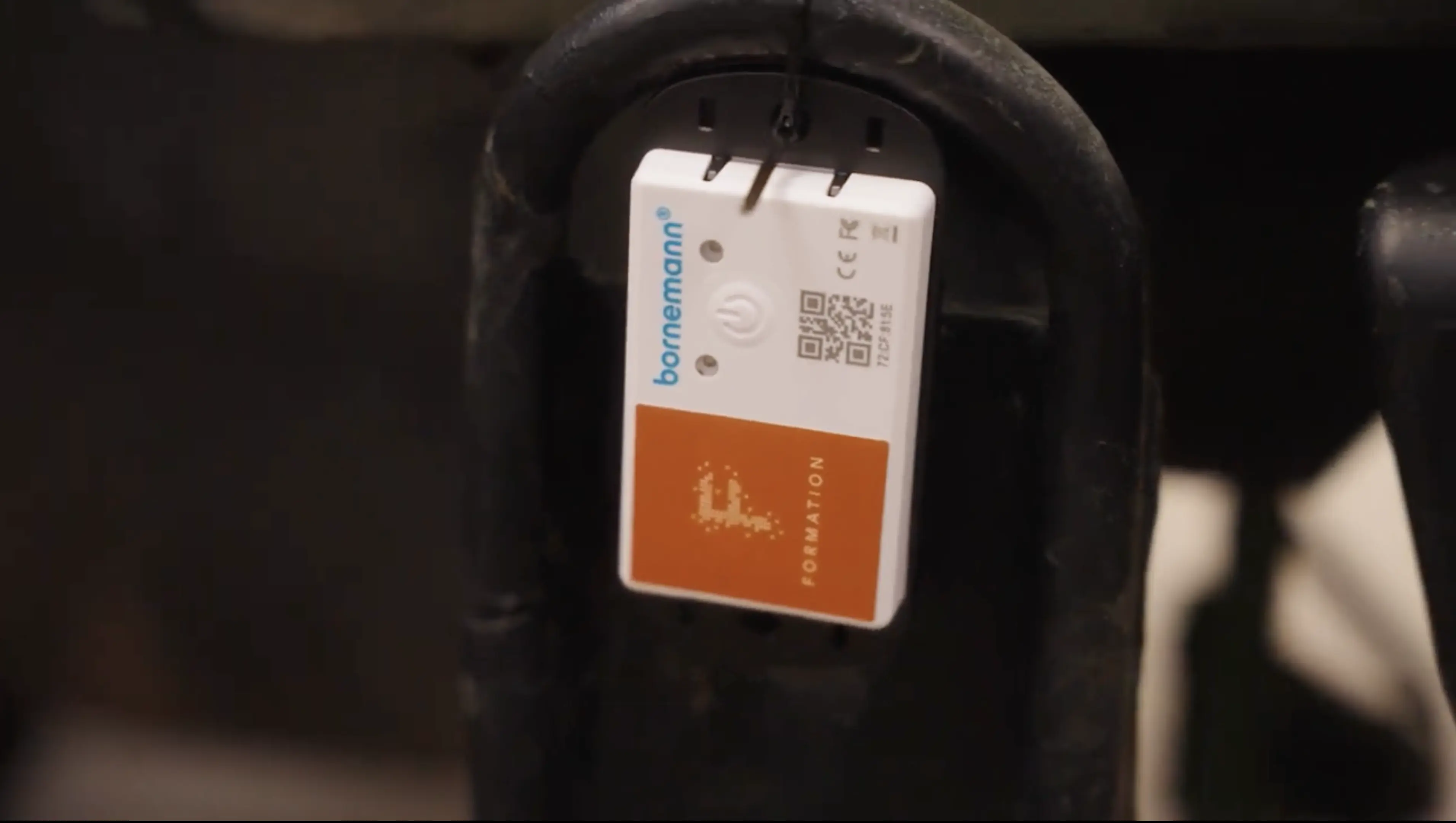
Capture movement with QR Codes, BLE, UWB, RFID, Wi-Fi positioning, and GPS. Use real-time location tracking for high-value assets and indoor location tracking where GPS falls short. Use the right modality for each asset and zone, then consolidate everything into one operational view.
- Passive Tracking with QR Codes: low-cost, fast to deploy, and globally scalable.
- Active Tracking with BLE/UWB/GPS in RTLS software for high-precision and real-time updates.
- Hybrid Tracking connects both approaches for hybrid indoor outdoor tracking.

Trace
A system of record for every movement
FORMATION stores every scan and movement event, building a historical record you can audit, reconstruct, and analyse. It improves inventory visibility and accountability.
- Full audit trail with timestamps, locations, and user actions.
- Compliance-ready traceability for investigations and reporting.
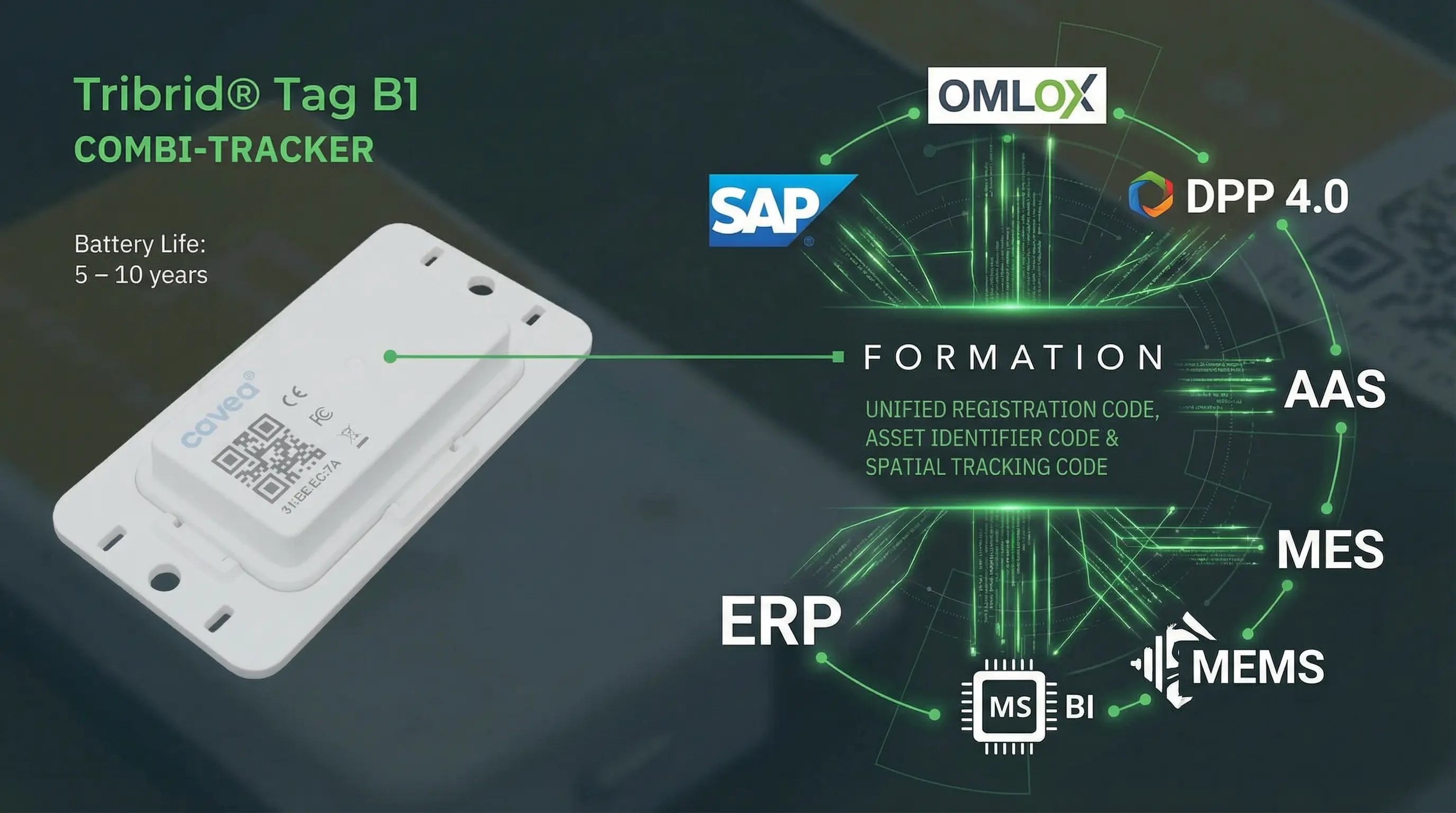
- Built-in support for AAS and DPP 4.0 workflows.
Trigger
Turn zones and events into action
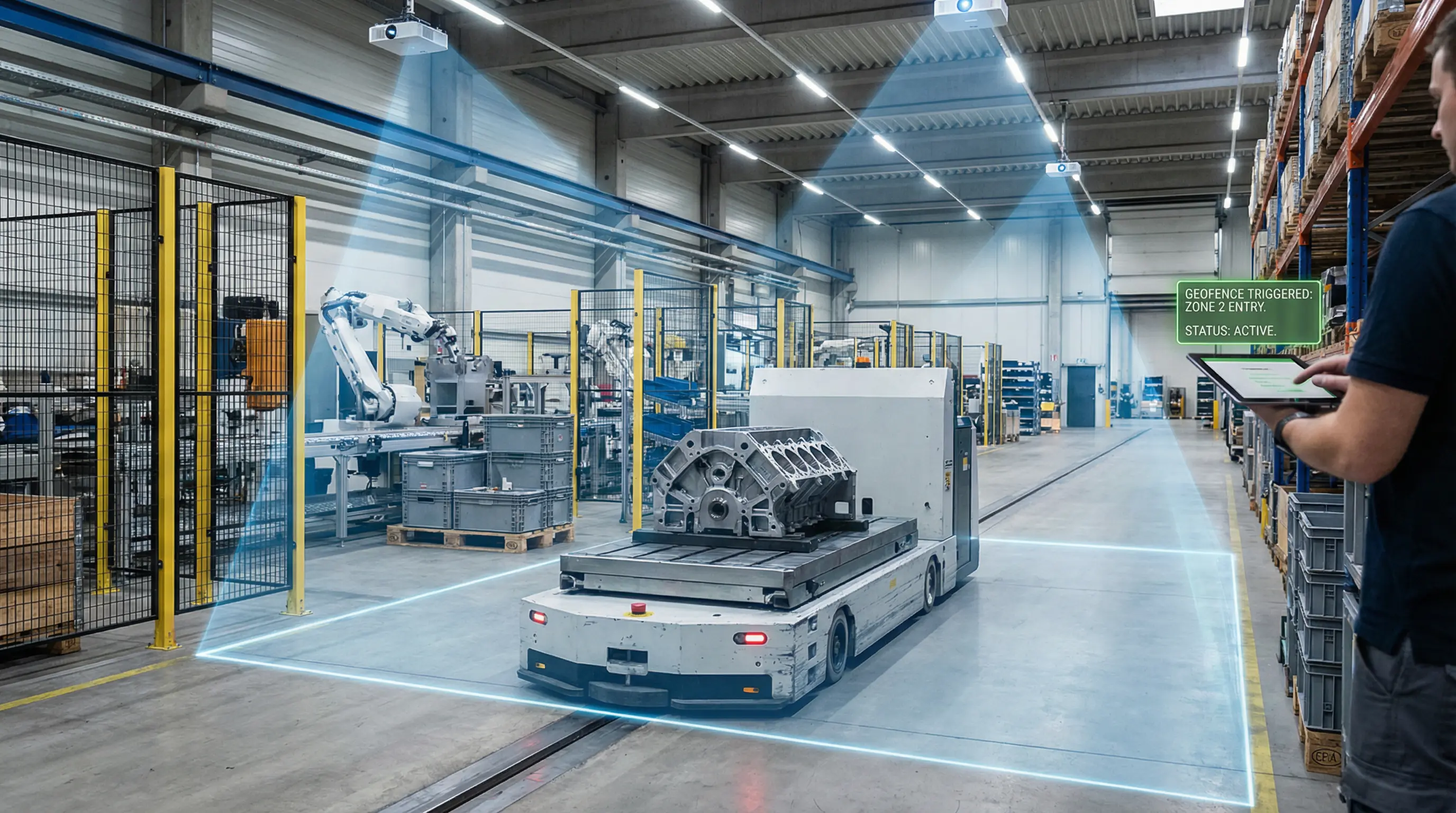
Use zone-based tracking, geofencing indoors, and movement events to drive tasks, location-based alerts, and automation. This is workflow automation driven by location. Emergent Process makes work visible and self-organising.
- Auto-assign tasks when assets enter or leave zones.
- Real-time notifications for anomalies and delays.
- Workflow hooks that connect to existing systems.
Trigger value-add examples
Practical automations that remove manual work
Trigger workflows connect your floor operations to your business systems in real time. Teams stop chasing updates and start working from one shared state.
- ERP and MES sync: post status updates when assets enter, leave, or dwell too long in a zone.
- Auto tasking: create follow-up tasks for inspection, replenishment, or handoff at zone transitions.
- SLA and escalation: raise alerts when cycle-time thresholds are missed.
- Safety and compliance: trigger controlled workflows when restricted areas are entered.
- Customer notifications: push milestone updates when shipments hit checkpoints.
Business outcomes
Faster response, fewer blind spots, better throughput
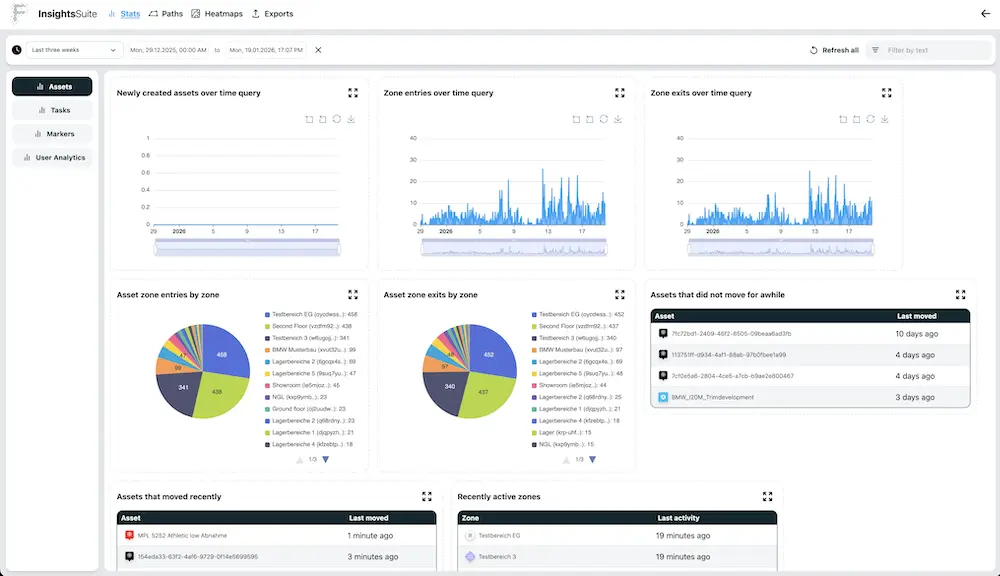
Trigger-driven operations reduce lag between what happens and what your systems do next. This improves reliability across planning, execution, and reporting.
- Less manual status entry and fewer handoff errors.
- Faster exception handling across shifts and teams.
- Higher process consistency with fewer missed steps.
- Clearer accountability with complete event history.
Explore