Location first inventory management
Know what is where and act faster
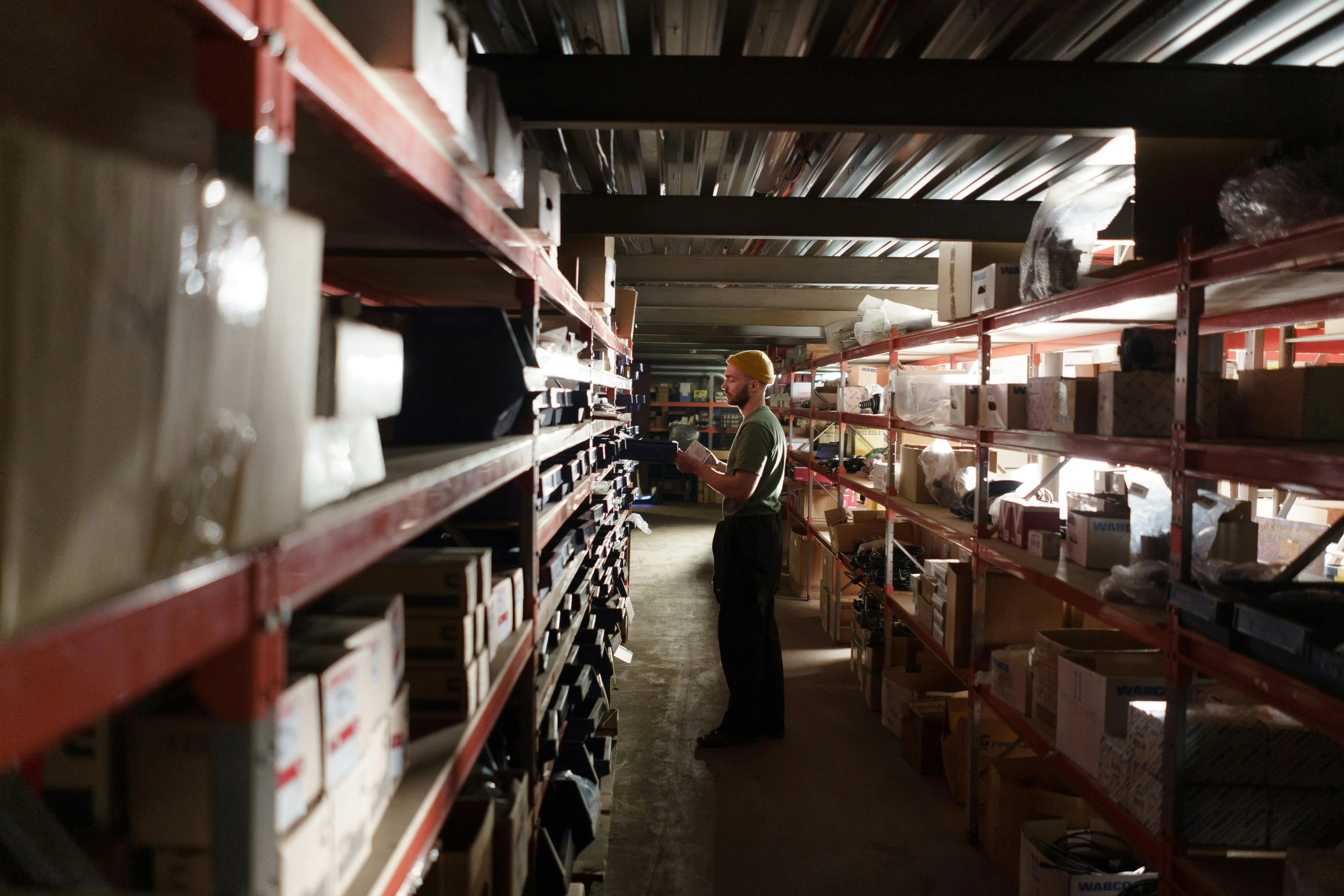
Spreadsheets and symbolic locations do not reflect live operations. FORMATION adds map context to inventory so teams can find stock fast, confirm placement, and reduce costly search loops.
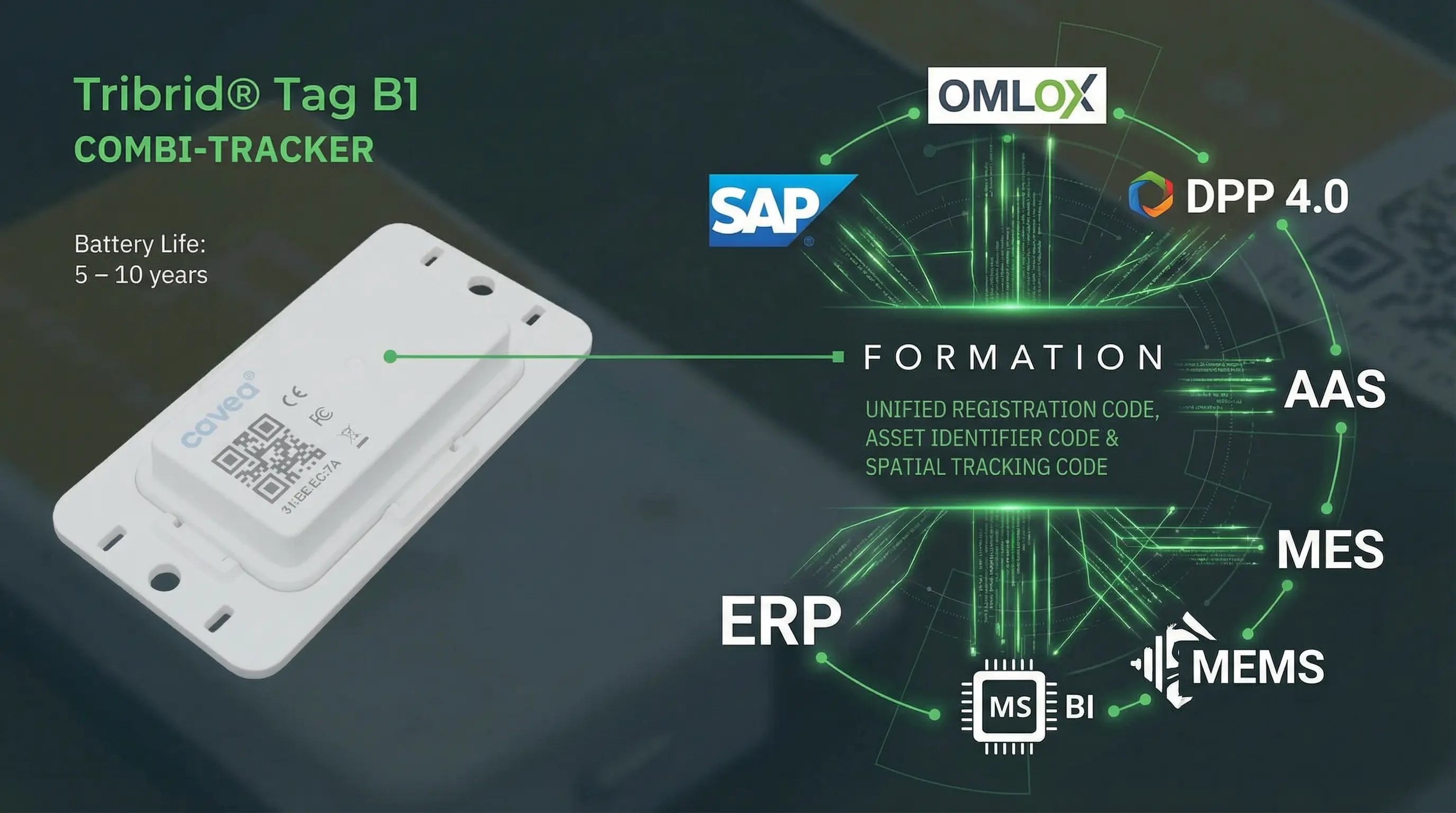
You can start with barcode and QR workflows to keep inventory data current across receiving, storage, picking, and internal transport. RTLS is an optional upgrade for teams that want automated location updates and less scanning. ERP and WMS remain your system of record, while FORMATION adds operational location visibility and execution insights.
Scan location plus scan item workflows
Simple updates that keep data trustworthy
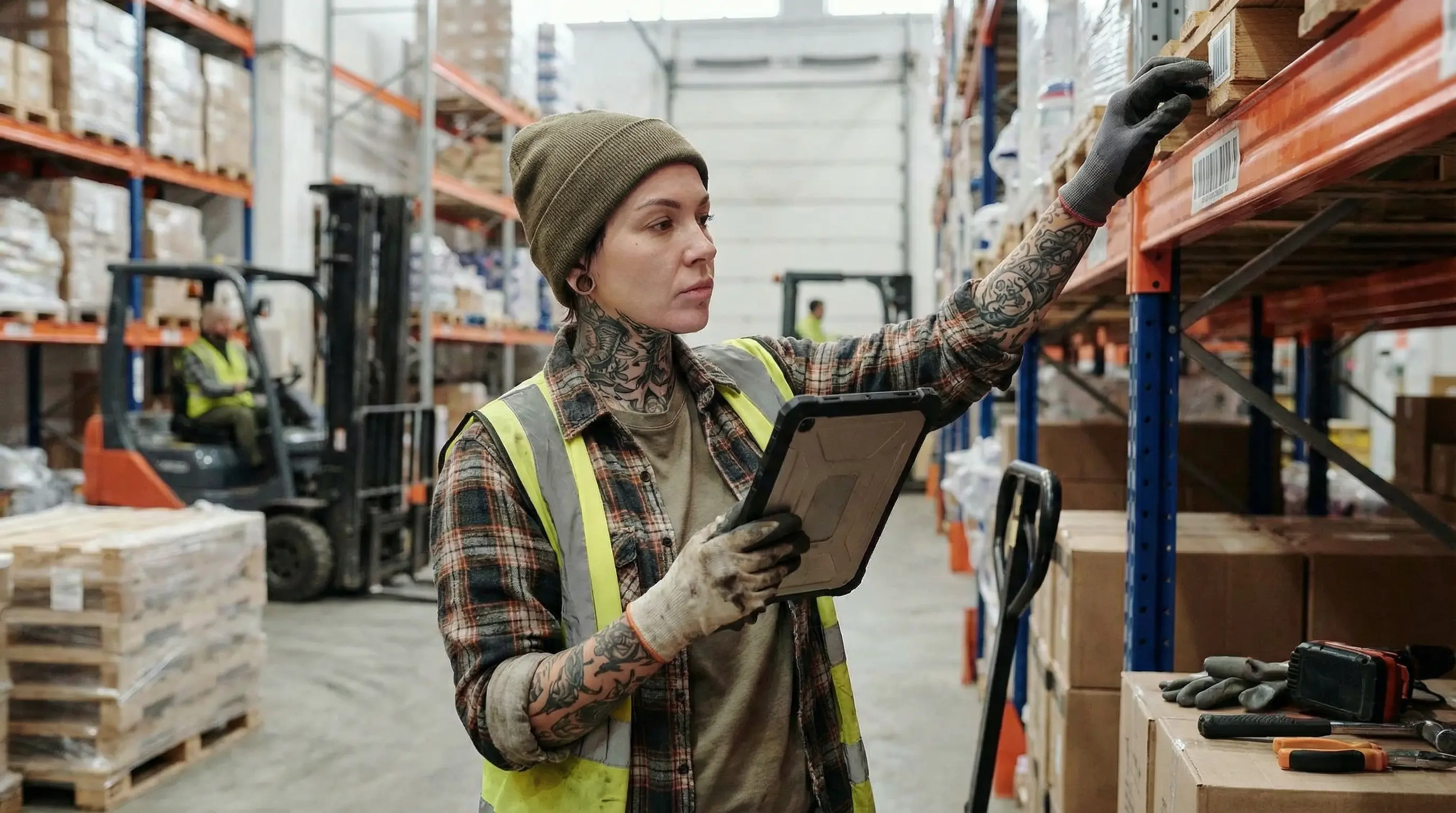
Workers scan the location and then the item to confirm where stock is placed. In FORMATION, each scan becomes a position update, whether that item is in transit, on the shop floor, or in storage.
You can also add scan moments at verification, inspection, and handoff steps. This gives teams more than classic check-in/check-out events or ERP postings alone.
- Fast scan flows for receiving, putaway, and picking.
- Location-confirmed updates tied to the Map.
- Add scan points at verify and inspect steps without changing core systems.
- Lower error rates during handoffs and shift changes.
Support for legacy barcodes, QR, and more
Keep what works and add real-time location context
- Track unique assets with item-level identity.
- Track stock quantities for bins, pallets, and storage areas.
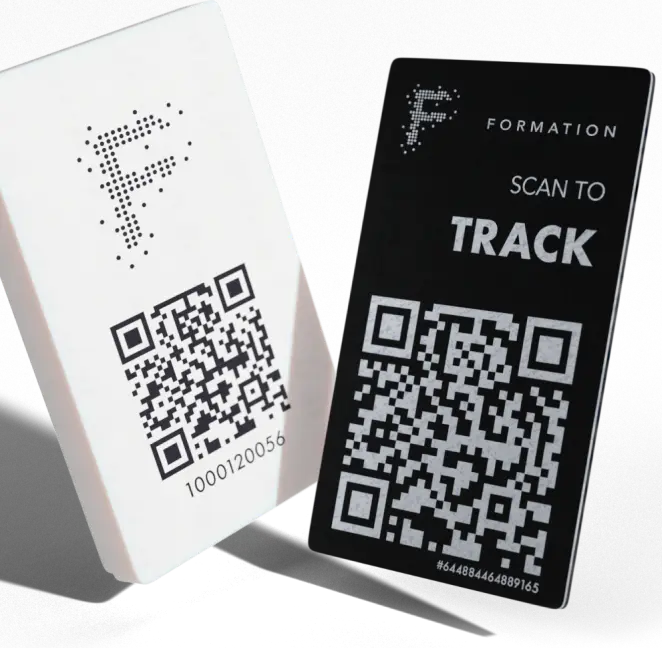
- Extend legacy barcode flows without replacing core systems.
Storage capacity and overflow detection
See free and occupied storage in real time
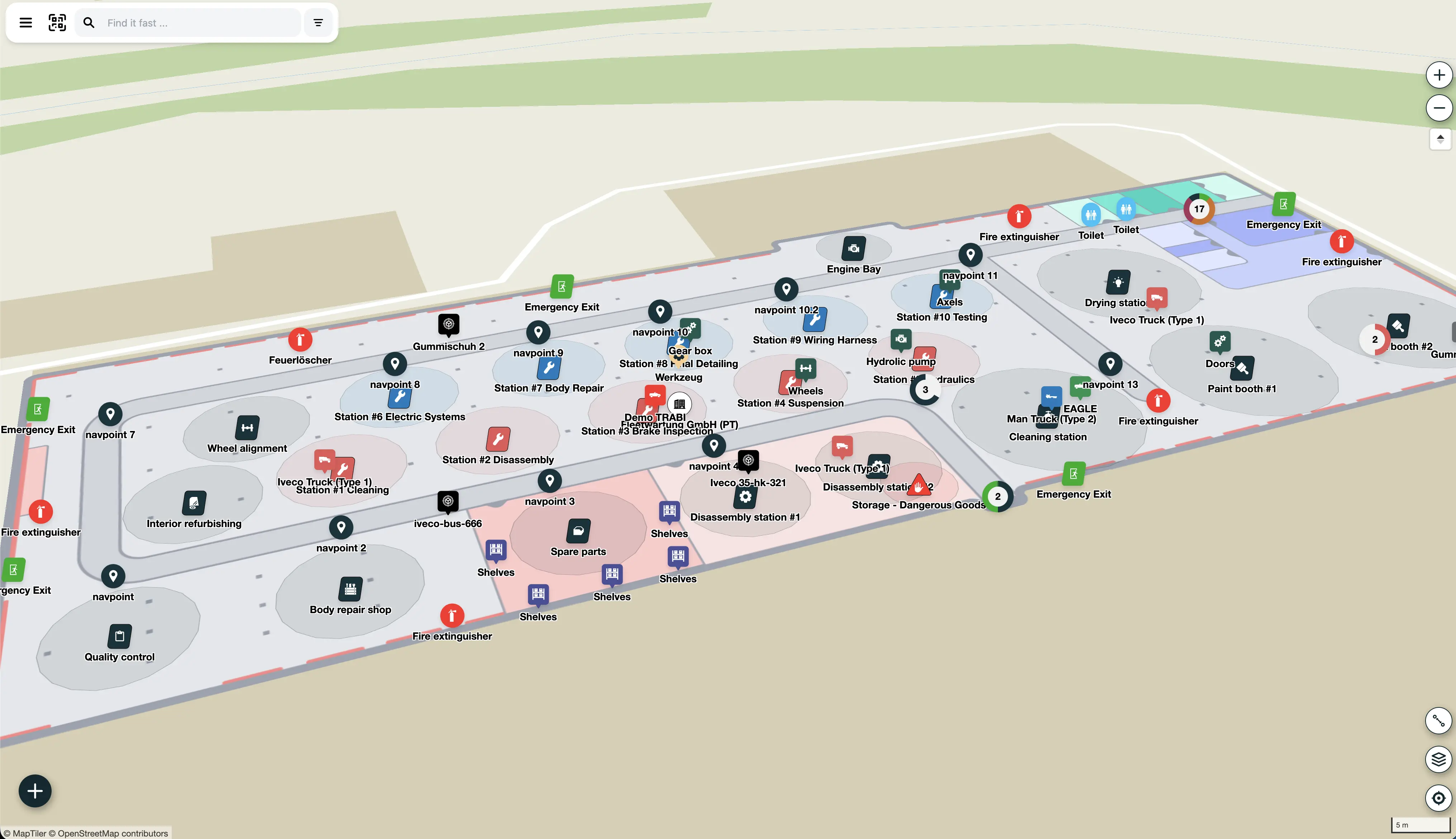
Track occupancy by room, aisle, rack, zone, or yard area. Teams can detect overfill early and redirect inbound flows before they create delays.
The same setup can track ad-hoc storage in overloaded areas, temporary buffers, and other places where inventory often sits without visibility.
- Dynamic occupancy by storage zone.
- Overflow alerts for constrained areas.
- Track temporary and overflow buffers with the same location model.
- Run faster cycle counts with zone-based checks.
- Faster inbound placement decisions.
Draw zones and automate check-ins and check-outs
Turn map areas into active storage zones
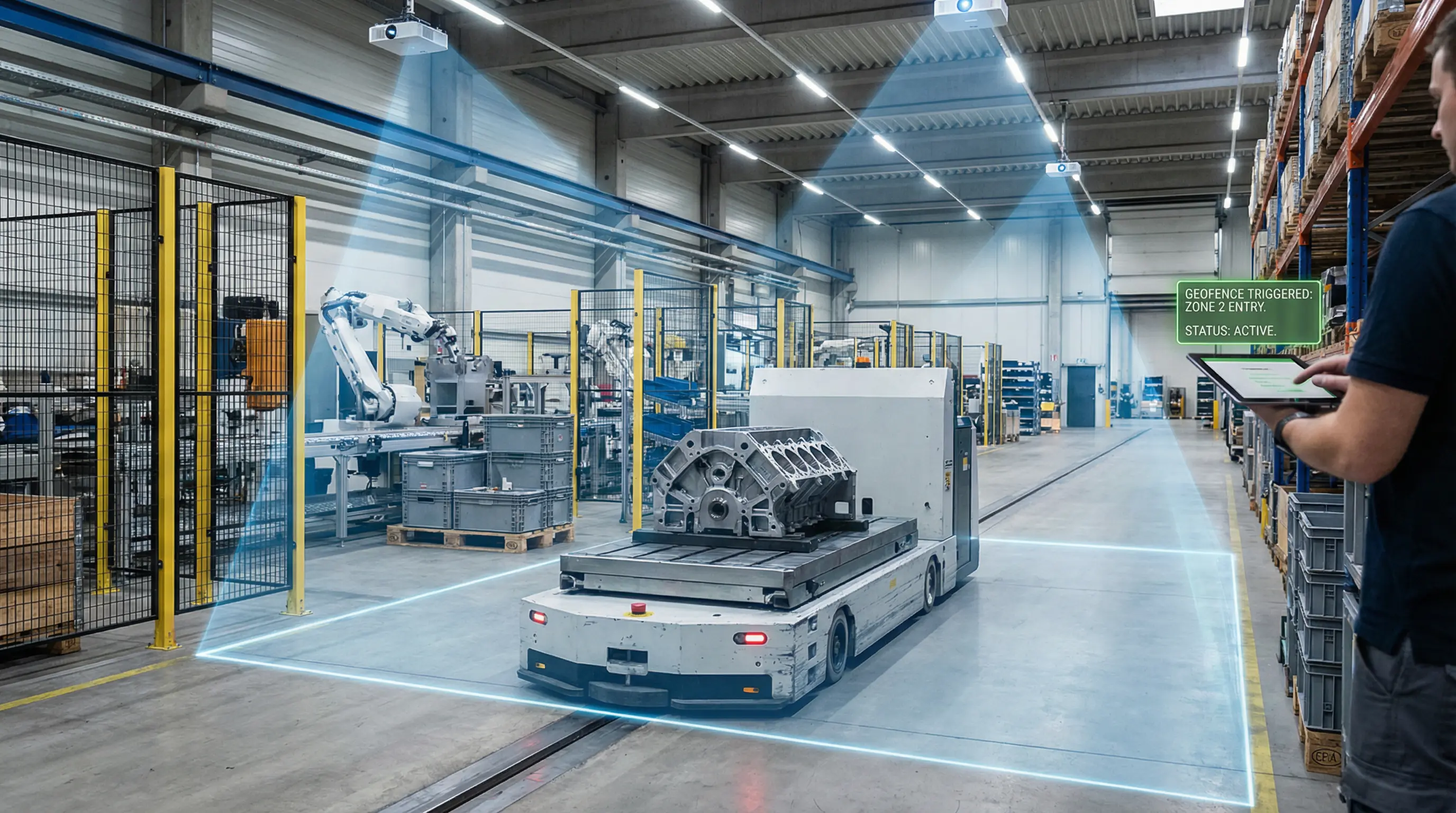
Draw zones directly on the Map and turn them into storage zones. FORMATION can process RTLS location updates and automatically register check-ins and check-outs when assets enter or leave those zones.
RTLS-based check-ins and check-outs are optional and complement barcode and QR code based inventory processes. You do not need RTLS to get started.
Teams can use built-in, easy-to-use mapping tools to add new storage zones, update shelf layouts, and clearly manage where different materials should go.
- Create zones indoors and outdoors.
- Start with barcode and QR code flows, then add RTLS when you want more automation.
- Run the same logic in warehouses, shop floors, yards, and field locations.
- Use one workflow across customer sites, temporary locations, and your own facilities.
Aging inventory detection
Spot stagnant stock before it blocks flow
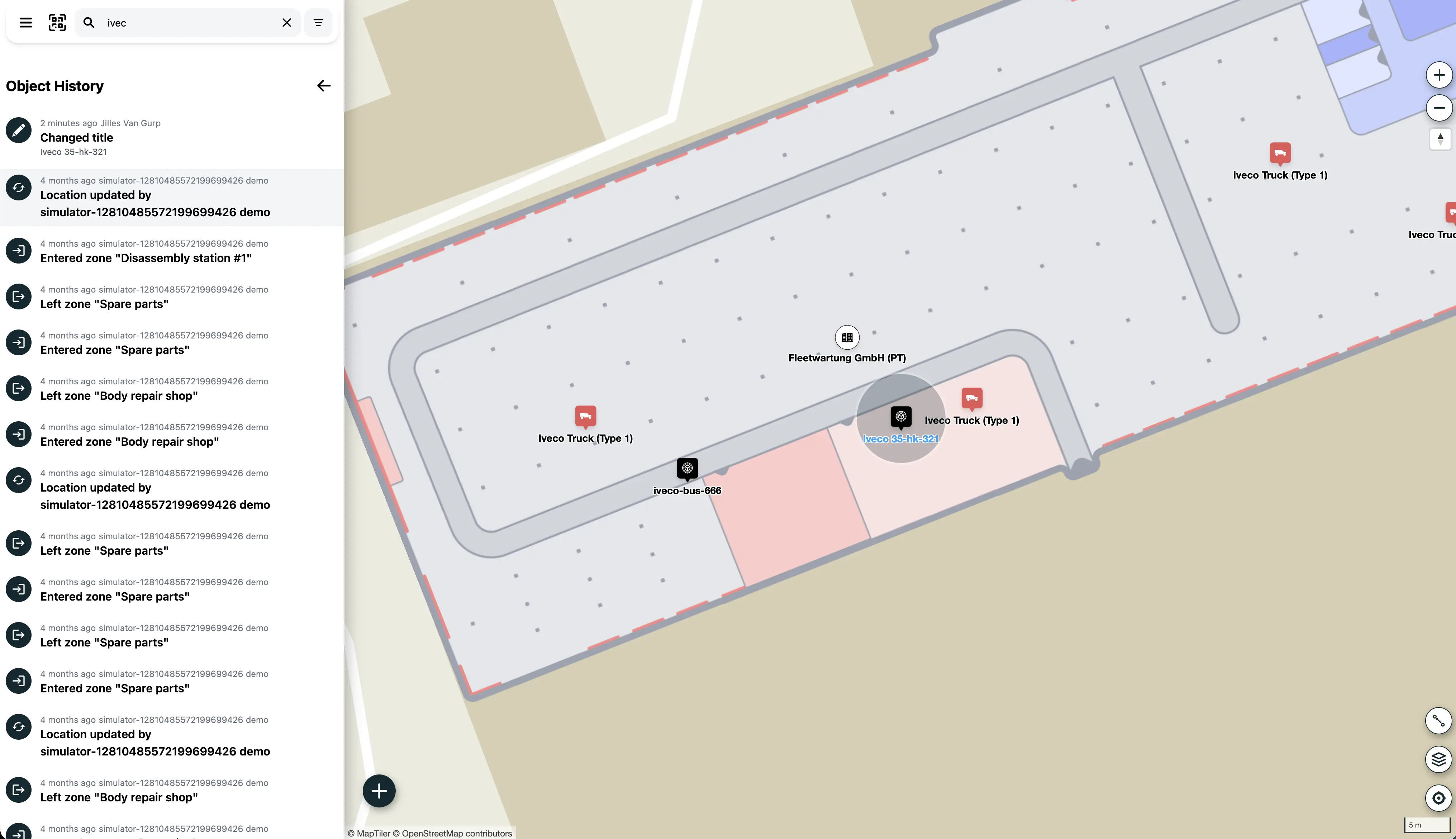
- Last-seen history per item and location.
- Clear movement timeline, not just current status.
- Timestamped location source for better confidence.
- Dwell-time signals by zone and asset class.
- Escalation workflows for aging stock.
Mobile floor-level workflows
Inventory actions where work happens

- Search and navigation to the right storage location.
- Fast updates from any phone or tablet.
- Shared context for operators and supervisors.
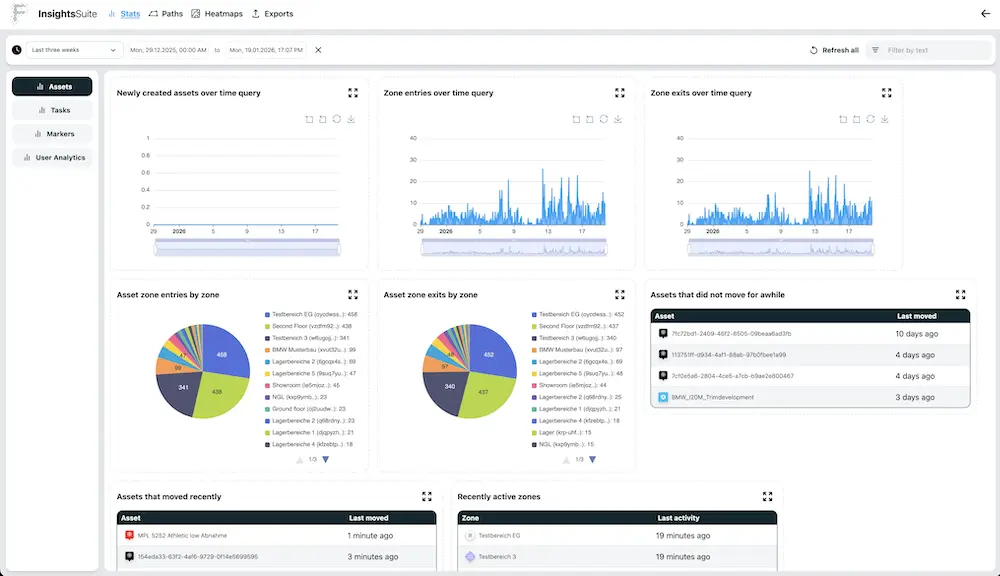
Operational outcomes
Higher accuracy, less walking, faster flow
Location based inventory management helps teams:
- Maintain accurate stock location
- Find inventory faster with more frequent position updates
- Reduce walking and search time
- Speed up receiving and picking
- Improve throughput with better storage decisions
- Surface exceptions early for faster intervention
- Improve process insights for continuous optimisation
Who this is ideal for
From established inventory teams to growing SMEs
- Already running inventory systems: use FORMATION for hard-to-track assets, tools, and materials that your current setup does not handle well.
- SMEs scaling up from paper or spreadsheets: buy a label printer, create zones, add stickers, scan, and start tracking quickly.